Built for Editing
Structured so the marketing team can change pages without breaking the layout.
Webflow suits a marketing site that needs to look considered and be editable without a developer. It is genuinely quick to build in and it has real boundaries — server-side logic, complex data relationships, anything needing a backend. Webflow development means using it where it fits and being straightforward about where it does not.
The platform is capable and bounded. Both halves matter when choosing it.
Structured so the marketing team can change pages without breaking the layout.
Content structured properly rather than as loose pages, which is what makes it maintainable.
Semantic structure and heading order, which visual builders lose easily.
No server-side logic, no complex relations, limits on collection sizes. Said in advance.
What moving off Webflow would involve, before you are committed to it.
Both lists are short and both are worth knowing before committing.
Discuss Your Site →Design-led pages a team can update without a deployment. Its core strength.
Blogs, case studies and resource libraries through CMS collections.
Anything requiring server-side processing needs an external service or a different platform.
Exporting produces static files without the CMS. Moving off is a rebuild, not a migration.
Structure, build and handover, with the limits stated up front.
Where the requirements exceed the platform, custom web development is the alternative. Where requirements exceed the platform, that is custom web development; the structured-content alternative is headless CMS development.
The first conversation is whether Webflow is right, and sometimes the answer is no.
Requirements against platform limits, honestly.
Collections and relationships before pages are built.
Responsive, semantic, with a class structure that stays maintainable.
Metadata, schema and redirects for anything moving.
Training and documentation so the team owns it.
Knowing this before committing is worth more than any feature comparison.
Anything needing server-side logic: user accounts with real permissions, calculations that must not run in the browser, processing that reacts to data rather than displaying it.
Complex content relationships strain it too. A few reference fields are fine; a genuine relational model with many-to-many relationships and filtered queries across them is not what collections are for.
Collection item limits also matter at scale. A site with tens of thousands of entries is outside its comfortable range, and finding that out mid-project is expensive.
Harder than most platform moves. The export produces static HTML and CSS without the CMS, so any collection-driven content has to be extracted separately and rebuilt elsewhere.
That is not a reason to avoid it, but it is a reason to consider it at the start rather than after three years of content. The question is whether the site is likely to outgrow the platform.
For a marketing site that will remain a marketing site, this rarely becomes a problem. For a product likely to need application features, it usually does.

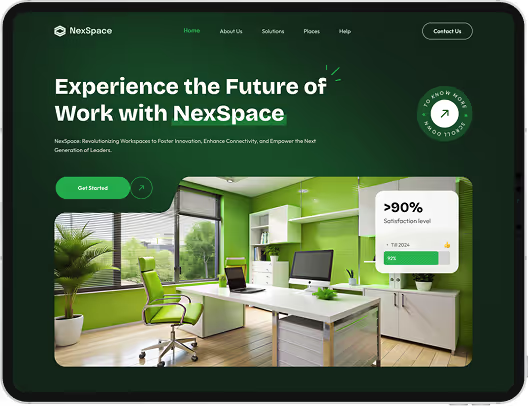


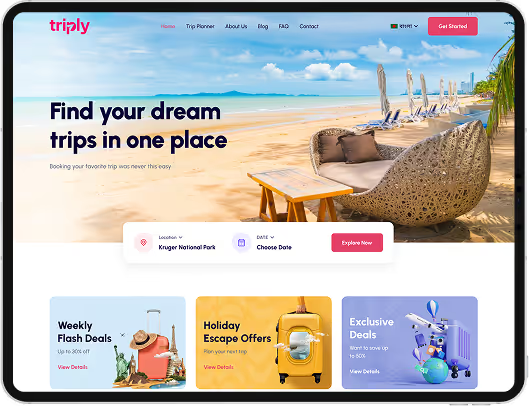
Webflow development builds sites on a visual platform that produces production HTML and CSS, with a hosted CMS, aimed at marketing sites a team can maintain without a developer.
It can be. It produces real HTML, allows metadata and schema control, and handles sitemaps and redirects. As with any builder, careless use produces poor heading structure and heavy pages — the platform permits good work rather than guaranteeing it.
No server-side logic, limited content relationships, collection item limits, and platform lock-in on exit. For a marketing site none of these usually bite; for an application all of them do.
Yes, but it is closer to a rebuild than a migration. The export gives static files without the CMS, so collection content has to be extracted and the site reconstructed elsewhere.
Webflow gives cleaner output and no maintenance burden; WordPress gives more extensibility and no platform lock-in. Teams that want design control without a developer tend toward Webflow.
Still deciding if webflow development is right for you?
Talk to UsPlatform comparisons usually list capabilities, which is the least informative way to choose. Everything can build a marketing site, and any of them will look fine in a demonstration.
What decides the outcome is where a platform stops, and whether your project will reach that boundary. A site that will always be a marketing site never reaches Webflow's limits and benefits from everything it does well.
A site that will eventually need accounts, permissions or server-side logic reaches them in year two, and the cost of finding out then is a rebuild that could have been avoided by asking one question at the start.
Tell us what the site needs to do now and what it might need later. We will tell you whether Webflow fits, and where you would hit its edges.